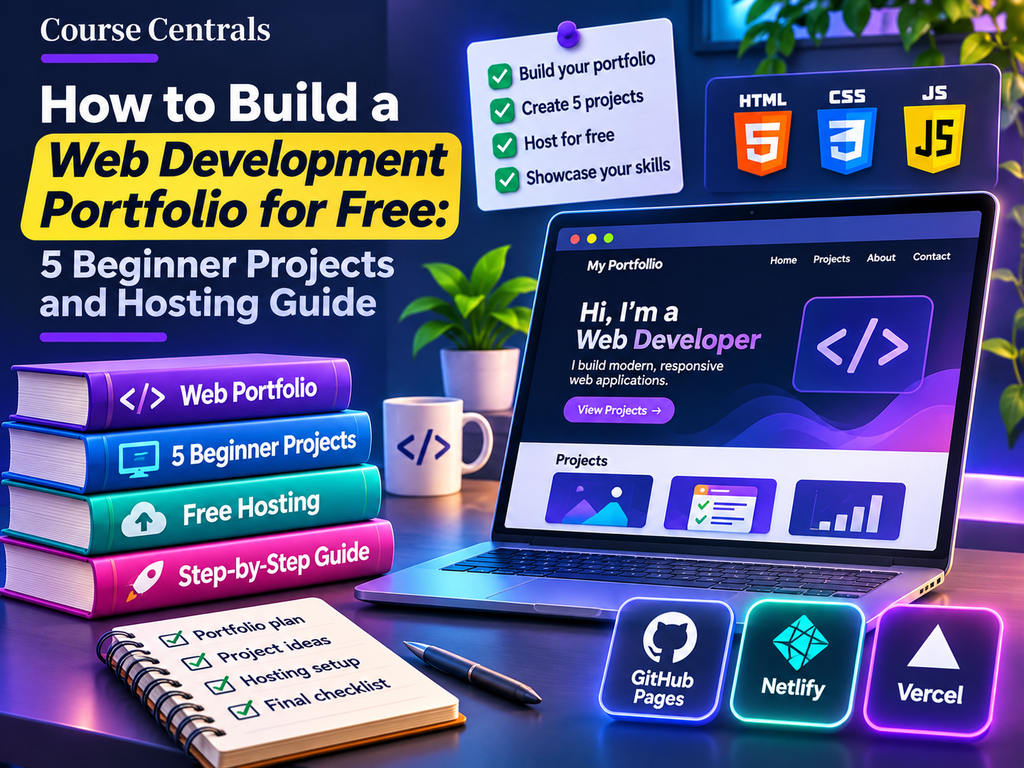
Quick answer: You can build a credible beginner web development portfolio without paying for a bootcamp or web hosting. Learn HTML and CSS, add a little JavaScript, build five small but finished projects, and publish them using a static hosting service such as GitHub Pages. The quality of your explanation, accessibility, and working examples matters more than the number of certificates you display.
This guide is for learners who have completed a beginner course and want evidence of practical skills. If you are still choosing a course, begin with our free web development course comparison or the 20-course programming roadmap.
What should a beginner web developer portfolio contain?
A useful starter portfolio has a short introduction, links to two or three strong projects, a description of what you built, the technologies used, and a way to contact you. It should work on a phone, load reliably, and avoid broken buttons. A simple portfolio with honest explanations is better than an elaborate template that hides what you can actually build.
| Portfolio element | What to show | Why it matters |
|---|---|---|
| About | Learning focus and current skill level | Sets honest expectations |
| Projects | Live demo, code repository, short explanation | Demonstrates working skills |
| Accessibility | Semantic headings, labels, keyboard support | Shows attention to real users |
| Responsive design | Layouts tested on small and large screens | Shows practical CSS knowledge |
| Contact | Professional email or public professional profile | Lets collaborators reach you |
Five beginner projects, in a sensible order
1. A responsive personal landing page
Build a one-page introduction with navigation, a projects section, and a contact link. Practice semantic HTML, Flexbox or Grid, and responsive spacing. Test at narrow and wide screen sizes. Portfolio proof: include before-and-after screenshots showing how the layout adapts.
2. A product or course comparison card layout
Build three comparison cards using an original dataset. Include a heading, feature list, pricing or access label, and a clear call to action. Use consistent spacing and meaningful button text. Avoid copying a real brand’s design. Portfolio proof: explain why you chose your information hierarchy.
3. A JavaScript quiz with feedback
Create a short quiz with a score and an accessible feedback message. Start with a fixed question list, then add a restart button. Keep the answer logic in functions so it is easy to test. Portfolio proof: describe how you handle empty answers and repeated attempts.
4. A searchable learning-resource directory
Use a small local JSON array of learning resources with fields such as topic, level, and free/paid access. Add a search input and topic filter. You do not need a database or third-party API for the first version. Portfolio proof: show the no-results state and explain how the filtering works.
5. A small multi-page website
Combine navigation, a homepage, an article or resources page, and a contact page. Focus on reusable styles, working links, keyboard navigation, and clear file organization. Portfolio proof: write a README explaining structure, design decisions, and limitations.
Free resources for learning each skill
| Resource | Best use | Free access | Certificate status |
|---|---|---|---|
| MDN Learn Web Development | HTML, CSS, JavaScript, tests and challenges | Free documentation and learning modules | No standard course completion certificate stated |
| The Odin Project | Project-based foundations and full-stack pathway | Free open-source curriculum | Not primarily a formal credential program |
| freeCodeCamp Learn | Guided HTML/CSS and certification exercises | Free curriculum | Current Responsive Web Design path offers a free verified certification after requirements |
| GitHub Pages | Publishing a static portfolio | Available with GitHub Free for public repositories | Hosting service, not a course |
Provider terms and curricula can change. The freeCodeCamp Responsive Web Design certification was updated in December 2025, so follow the current learning dashboard rather than an old five-project tutorial. See freeCodeCamp’s announcement.
How to publish your portfolio for free
- Create a repository for your HTML, CSS, JavaScript, and images. Use descriptive file names and include a README.
- Check that your main page works locally, that links are not broken, and that no private credentials are included in the files.
- Follow the official GitHub Pages quickstart to create a public repository and configure a publishing source. GitHub Free supports Pages for public repositories.
- Visit the published URL on mobile and desktop. Fix layout problems, contrast issues, and broken paths.
- Add the live URL and repository link to your portfolio’s projects section.
Important limitation: GitHub Pages is designed for static sites. A form that sends emails or an application requiring a private server needs a separate service or backend. Never put API secrets into public client-side JavaScript.
A practical four-week plan
| Week | Focus | Deliverable |
|---|---|---|
| 1 | Semantic HTML, CSS, responsive layouts | Personal landing page |
| 2 | Components, accessibility, styling consistency | Comparison cards |
| 3 | JavaScript events, arrays, filtering | Quiz and directory |
| 4 | Multi-page navigation, deployment, review | Published portfolio and README |
This is a suggested schedule, not a provider promise. Spend longer on a project if you cannot yet explain your code.
Portfolio review checklist before sharing
- Every project has a working live demo and a readable source repository.
- The site works with keyboard navigation, and images have useful alternative text where needed.
- Headings follow a logical order, and forms have visible labels.
- The layout does not overflow on narrow mobile screens.
- No placeholder text, broken links, copied claims, or exposed secrets remain.
- Each project describes what you personally built, what you learned, and what you would improve.
Should you pay for a web development certificate?
Not to start building. Free resources and working projects are sufficient to begin practicing. A paid credential may be useful when a specific employer, application, or structured learning need makes it relevant, but paying does not replace evidence of practical work. Compare the course, prerequisites, assessed work, and certificate cost before enrolling. Our CS50 Web Programming guide explains a more advanced project-based pathway and the distinction between free learning and verified credentials.
Common questions
Do I need React for my first portfolio?
No. A well-built HTML, CSS, and JavaScript site is enough to demonstrate fundamentals. Add React when you understand the problems it solves.
Can I host my portfolio without buying a domain?
Yes. GitHub Pages provides a default hosted address for eligible public repositories. A custom domain is optional.
How many projects should I show?
Start with two or three completed projects and keep the strongest ones visible. You can build five practice projects without displaying all five prominently.
Is a freeCodeCamp certificate required?
No. It is one possible way to demonstrate structured learning. A portfolio is a separate way to show practical work.
Next step
Choose the first project, create a repository, and publish a working version before adding advanced features. For the broader path from Python and JavaScript into web development and data skills, use our programming learning roadmap.
Sources checked 29 October 2026: MDN, The Odin Project, freeCodeCamp, and GitHub Pages. No paid partnership is implied by these editorial references.