
Quick answer: Use Excel COUNTIFS to count rows that satisfy two or more conditions at the same time. The syntax is =COUNTIFS(criteria_range1,criteria1,criteria_range2,criteria2). Each criteria range must have identical dimensions. For a single condition, COUNTIF is usually simpler.
For example, =COUNTIFS(B2:B11,"UAE",D2:D11,"Active") counts records where the market is UAE and the status is Active. In the reproducible dataset below, the answer is 5. This guide uses a realistic campaign reporting sheet rather than isolated fruit examples, so you can adapt each formula for operations, finance, course tracking or marketing analysis.
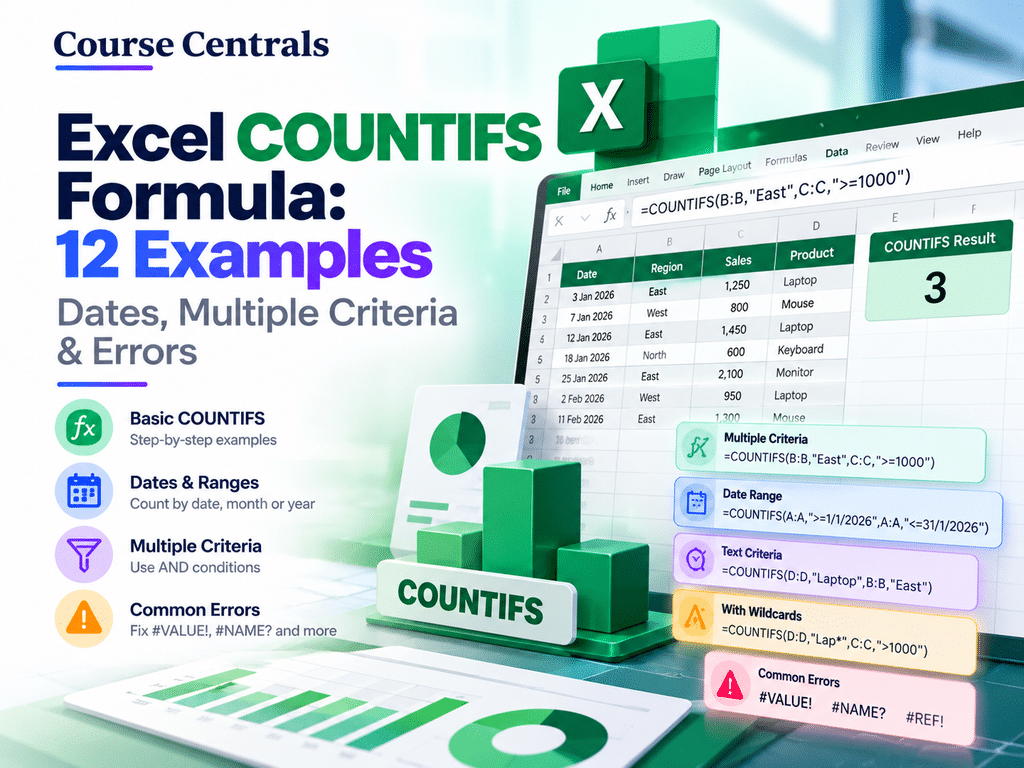
Excel COUNTIFS formula syntax and how it works
=COUNTIFS(criteria_range1,criteria1,[criteria_range2,criteria2],...)
Each pair contains the cells to inspect and the condition they must satisfy. COUNTIFS evaluates all pairs together using AND logic. Microsoft documents support for up to 127 criteria-range pairs, with equally sized ranges. The ranges need not be adjacent. Criteria can be text, numbers, comparisons, wildcards or cell references.
Practice dataset: campaign records
Enter the following headers in cells A1:F1 and the records in A2:F11. Enter the dates as real Excel dates, not text. The values and expected answers in this article are examples created for teaching, not actual campaign results.
| Date (A) | Market (B) | Channel (C) | Status (D) | Leads (E) | Cost (F) |
|---|---|---|---|---|---|
| 2 Sep 2026 | UAE | Search | Active | 14 | 120 |
| 3 Sep 2026 | KSA | Social | Active | 8 | 90 |
| 4 Sep 2026 | UAE | Search | Paused | 0 | 45 |
| 7 Sep 2026 | UAE | Social | Active | 11 | 100 |
| 9 Sep 2026 | KSA | Search | Active | 16 | 130 |
| 12 Sep 2026 | UAE | Search | Active | 6 | 80 |
| 14 Sep 2026 | UAE | Video | Active | 3 | 75 |
| 18 Sep 2026 | KSA | Search | Paused | 0 | 40 |
| 21 Sep 2026 | UAE | Social | Active | 19 | 160 |
| 25 Sep 2026 | KSA | Video | Active | 4 | 70 |
12 COUNTIFS and COUNTIF examples you can copy
Copy formulas as shown. The displayed expected answers refer to the ten sample rows above, unless otherwise noted.
| Scenario | Formula | Expected result | Explanation |
|---|---|---|---|
| 1. One condition | =COUNTIF(B2:B11,"UAE") | 6 | Counts six UAE rows. COUNTIF is simpler for one condition. |
| 2. Two AND conditions | =COUNTIFS(B2:B11,"UAE",D2:D11,"Active") | 5 | Counts UAE rows where status is Active. |
| 3. Three AND conditions | =COUNTIFS(B2:B11,"UAE",C2:C11,"Search",D2:D11,"Active") | 2 | Finds active UAE Search records. |
| 4. Numeric threshold | =COUNTIFS(D2:D11,"Active",E2:E11,">=10") | 4 | Counts active rows with at least ten leads. |
| 5. Date range | =COUNTIFS(A2:A11,">="&DATE(2026,9,10),A2:A11,"<"&DATE(2026,10,1)) | 5 | Counts dates from 10 September up to but excluding 1 October. |
| 6. Dates plus market | =COUNTIFS(B2:B11,"UAE",D2:D11,"Active",A2:A11,">="&DATE(2026,9,10)) | 3 | Counts recent active UAE rows. |
| 7. Wildcard text | =COUNTIFS(C2:C11,"S*") | 8 | Matches Search and Social, both beginning with S. |
| 8. Exclude a status | =COUNTIFS(D2:D11,"<>Paused") | 8 | Counts non-Paused statuses, including blanks if present. |
| 9. OR logic | =COUNTIFS(C2:C11,"Search")+COUNTIFS(C2:C11,"Video") | 7 | Adds disjoint Search and Video groups. Avoid double counting overlapping groups. |
| 10. Cell-based criterion | =COUNTIFS(E2:E11,">="&H2) | Depends on H2 | Place 10 in H2 to return 4. Join the operator and cell reference with &. |
| 11. UAE active share | =COUNTIFS(B2:B11,"UAE",D2:D11,"Active")/COUNTIF(B2:B11,"UAE") | 83.3% | Five active UAE rows out of six UAE rows; format as percentage. |
| 12. Date-safe current month | =COUNTIFS(A2:A11,">="&EOMONTH(TODAY(),-1)+1,A2:A11,"<"&EOMONTH(TODAY(),0)+1) | Varies | Works for real Excel dates, including timestamps. |
COUNTIF vs COUNTIFS vs SUMIFS
| Function | Use when | Example |
|---|---|---|
| COUNTIF | Count matches to one criterion | Count UAE records |
| COUNTIFS | Count rows meeting multiple conditions | Count active UAE Search records |
| SUMIFS | Add values for rows meeting conditions | Sum leads from active UAE Search campaigns |
COUNTIFS counts matching rows; SUMIFS sums the values in a selected sum range. For more related formulas, explore the Excel Formulas hub and practice workbook.
How to use dates without incorrect results
Excel stores dates as serial numbers. Date criteria work reliably only when source cells contain actual dates. For a month-long range, use a lower bound inclusive (>=) and an upper bound exclusive (<) with the first day of the next month. This also avoids missing records with a time component on the last day.
=COUNTIFS(A2:A11,">="&DATE(2026,9,1),A2:A11,"<"&DATE(2026,10,1)) returns 10 for the sample dataset.
How to handle OR conditions without double counting
COUNTIFS combines different criteria with AND. To count Search or Video in a single column, add two counts because a single cell cannot equal both channel names. If conditions can overlap, simply adding counts may double count the same row. For mutually exclusive statuses or channels, the addition is safe.
=COUNTIFS(C2:C11,"Search")+COUNTIFS(C2:C11,"Video") returns 7.
Common COUNTIFS errors and fixes
Different range sizes
All criteria ranges must contain the same number of rows and columns. Do not mix B2:B11 with D2:D10.
Numbers stored as text
Check cell types and remove stray spaces. A numeric comparison against text-formatted data can produce unexpected counts.
Dates that look like dates but are text
Convert text to Excel dates before using DATE, TODAY or month filters. Formatting alone does not convert text into a date value.
Incorrect comparison operator
Write a literal criterion as ">=10". When referring to a cell, join the operator and reference, for example ">="&H2.
Unexpected blanks
A condition such as "<>Paused" can include blank cells. Add an explicit nonblank criterion such as "<>" on the same status range when blanks must be excluded.
Wildcard confusion
* matches any number of characters, ? matches one, and ~ escapes a literal wildcard. For example, "S*" matches Search and Social.
Practical exercises
- Count all active KSA records. Expected answer: 3.
- Count UAE rows with 10 or more leads. Expected answer: 3.
- Count all Search rows, regardless of status. Expected answer: 5.
- Count active records dated on or after 10 September 2026. Expected answer: 4.
For more practice with reporting data, compare this worksheet with our free data analysis course guide. If you are beginning from scratch, the Excel formulas cheat sheet provides a broader learning path.
Frequently asked questions
Can COUNTIFS use more than two criteria?
Yes. Add more matching range/criterion pairs. Microsoft’s documentation specifies a maximum of 127 pairs.
Does COUNTIFS use AND or OR?
Within one COUNTIFS call, separate criteria pairs use AND. To handle OR, combine distinct COUNTIFS results carefully or use another appropriate approach.
Is COUNTIFS case-sensitive?
No. Text criteria are normally case-insensitive. If capitalization must matter, a different formula approach is required.
Can COUNTIFS count cells by background color?
Not directly. COUNTIFS evaluates cell values and conditions, not formatting color.
What is the difference between COUNTIFS and SUMIFS?
COUNTIFS returns the number of matching rows or cells; SUMIFS returns the sum of matching numeric values.
Official references
Next step: Practise COUNTIFS on a ten-row sheet, then progress to SUMIFS for monetary totals and XLOOKUP for retrieving matching values. Suggested featured image: a clean white spreadsheet grid with three highlighted criteria columns and a compact COUNTIFS formula callout. No human faces, oversized promotional labels or date stamp.