Quick answer: Microsoft Learn provides free self-paced learning modules and learning paths. A Microsoft Applied Skills credential is earned by completing a focused, scenario-based lab assessment. A Microsoft Certification is a broader role- or fundamentals-oriented credential earned by passing the relevant exam. These are three different outcomes. The right first step depends on whether you want to learn a tool, demonstrate a specific practical task or validate a wider job-role skill set. Microsoft says Applied Skills do not replace Certifications.
This guide helps learners choosing between Azure, Copilot, Power BI, AI and security pathways. It includes a credential decision matrix, an original skills-evidence worksheet and a realistic cost checklist. We checked the official Microsoft credential, assessment and retake documentation on 13 November 2026. Individual exam prices, product licences and lab availability can differ by region and credential, so verify the live details before booking.
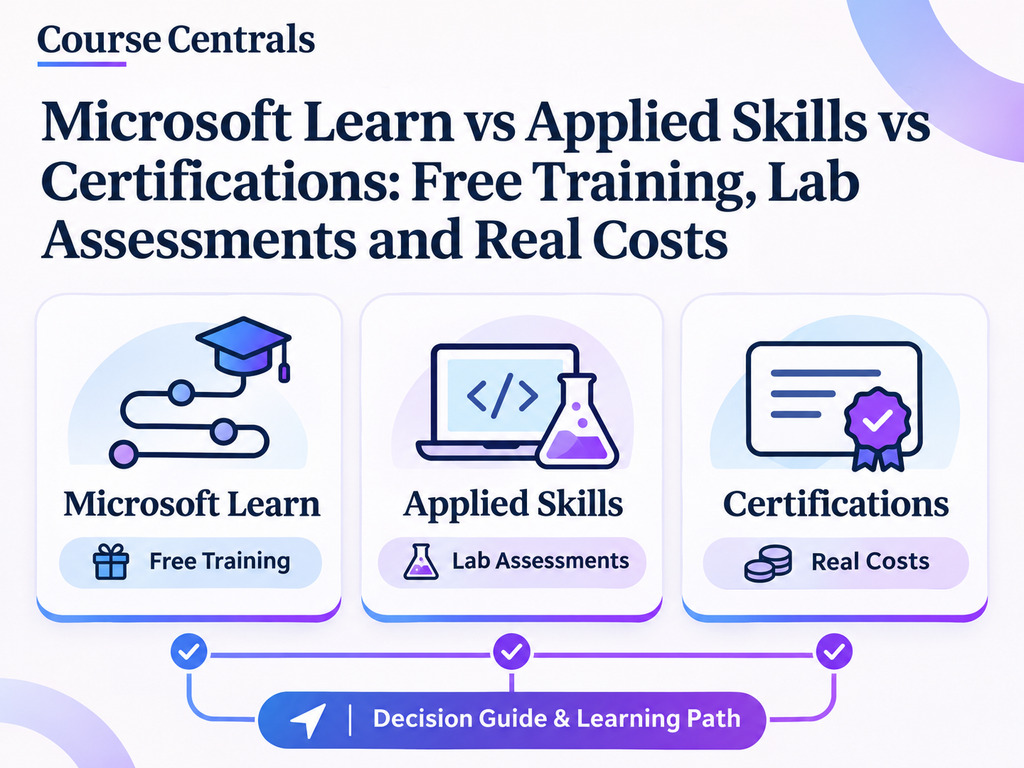
Microsoft Learn modules vs Applied Skills vs Certifications
| Decision | Microsoft Learn module/path | Microsoft Applied Skills | Microsoft Certification |
|---|---|---|---|
| Purpose | Learn specific concepts and workflows | Validate a narrower practical scenario | Validate a broader fundamentals or job-role skill set |
| How it works | Read, watch, complete exercises and knowledge checks | Complete tasks in an interactive assessment lab | Pass the current required exam(s) |
| Credential | Module completion/learning achievements vary | Microsoft-verified Applied Skills credential | Microsoft-verified Certification |
| Assessment | Knowledge checks and exercises vary | Performance-based lab | Formal exam, typically proctored |
| Cost consideration | Self-paced learning content is free | Check the individual assessment and prerequisite product access | Exam fee and retake charges vary by country and exam |
| Best first use | Exploration and skill building | Proof of a focused technical or business task | Job-role or fundamentals credential |
Microsoft’s official Credentials overview describes Certifications as exam-based and Applied Skills as lab-based. Its Applied Skills FAQ explicitly says these credentials validate different breadths of skill. Completing a Microsoft Learn module is not automatically a professional certification.
How to choose by career goal
| Your goal | Recommended starting route | Portfolio evidence to create |
|---|---|---|
| Learn Power BI and reporting basics | Free Microsoft Learn Power BI modules and relevant projects | A small report with a data-cleaning note and insight summary |
| Understand Azure without an IT background | Free Azure fundamentals training | Explain compute, networking, identity and cloud cost controls |
| Demonstrate a specific Azure or AI task | Current relevant Applied Skills credential, if available | A lab-skills checklist tied to the credential objectives |
| Prove wider administrator, developer or analyst ability | Current Microsoft Certification path aligned to the job role | Case-study portfolio plus exam-objective gap assessment |
| Explore Microsoft 365 Copilot | Free introductory Learn modules | Document a realistic workflow, licensing requirements and limitations |
| Decide whether certification is worth paying for | Study first, then compare exam objectives to target roles | A one-page credential decision and budget |
The hidden cost question: free learning does not always mean free practice
Self-paced Microsoft Learn modules are generally free, but a practical task may require a product subscription, Azure resource usage, tenant access, premium Power BI or Microsoft 365 Copilot licence. A provisioned Applied Skills assessment environment may be supplied for the assessment itself; that does not mean you automatically receive a free production licence for independent practice. Always read the credential’s prerequisite and assessment details. Do not start chargeable Azure resources without billing safeguards.
| Potential expense | What to check | Avoid this mistake |
|---|---|---|
| Microsoft Learn modules | Whether the selected module is self-paced and free | Assuming free lessons include paid software licences |
| Applied Skills assessment | Credential-specific access rules, availability and any displayed fee | Assuming every assessment or product environment is free forever |
| Microsoft Certification exam | Current local exam price, taxes, currency and delivery option | Copying a US exam fee as a universal price |
| Retake | Applicable exam waiting period and extra exam payment | Assuming unlimited immediate free retakes |
| Practice software | Trial, employer licence, Azure consumption or sandbox entitlement | Leaving billable resources running after an exercise |
The official retake policy, updated 27 July 2026, says a failed Microsoft Certification exam generally requires 24 hours before the first retake, then 14 days between subsequent attempts, with an annual attempt limit. Applied Skills assessment labs require a 72-hour wait before another attempt, including cancelled or abruptly ended attempts. The policy is credential-specific; read the relevant page before scheduling.
Seven-day free-first learning and credential selection plan
This is an original Course Centrals decision exercise, not an official Microsoft assessment. It works even if you do not yet have a paid Microsoft product licence.
| Day | Task | Output |
|---|---|---|
| 1 | Pick one target role or business task, such as junior data analyst or Azure administrator | Write the exact outcome you want to demonstrate |
| 2 | Browse free Microsoft Learn modules tied to that task | Select one short learning path and note its prerequisites |
| 3 | Complete the introductory modules and knowledge checks | List concepts you can explain without notes |
| 4 | Build a small, lawful portfolio artifact using a local sample dataset or a written scenario | One dashboard sketch, workflow map or cloud design decision |
| 5 | Review the relevant Applied Skills assessment objectives, if one exists | Map your practical strengths and missing tasks |
| 6 | Review the role-based or fundamentals Certification exam objectives | Identify the broader topics the narrow lab does not cover |
| 7 | Choose your next step: more free learning, an available lab assessment or an exam booking | One-page budget, readiness score and next action |
Copyable Microsoft credential decision worksheet
| Field | Your answer |
|---|---|
| Target role or task | e.g. Build and explain a simple Power BI report |
| Microsoft Learn path | Paste the official module/path URL |
| Existing evidence | What have you actually built or configured? |
| Applied Skills fit | Which exact lab objectives match your goal? |
| Certification fit | Which wider role or fundamentals objectives matter? |
| Software access | Free sandbox, employer tenant, licence or paid resources? |
| Total expected cost | Exam + required practice + taxes + retakes, where applicable |
| Decision and review date | What will you complete next, and when? |
A practical example: Power BI learner versus Azure administrator
Scenario A: You want to become a data analyst
Begin with free data analysis and Power BI modules, then build a report that answers a business question. A job-role Certification may be appropriate after you can explain data preparation, modelling, visualization and reporting choices. An Applied Skills credential is useful only if its current lab scenario matches the specific capability you want to demonstrate. Do not buy an exam before reviewing the current skills measured.
Scenario B: You want to move into Azure administration
Start with cloud fundamentals and Azure management concepts, then compare a current Azure Applied Skills lab to the wider Azure administrator Certification objectives. The lab may validate a narrower task such as managing a resource, while a role-based exam expects broader understanding. Microsoft explicitly says Applied Skills alone do not cover every topic tested in a Certification.
How to avoid credential and content duplication
Do not confuse Microsoft Applied Skills with the Microsoft Project Management Professional Certificate offered through a separate learning programme. One is a scenario-based credential framework, the other is a multi-course learning product. Our Microsoft project-management certificate review covers that specific programme. For a practical data-learning route, read our Microsoft Power BI Data Analyst certificate guide and Excel formulas practice hub. Browse other organisations in the Learning Providers directory.
When to choose Applied Skills over Certification
- Choose Applied Skills first when you already understand the basics and need to demonstrate a specific task in an official lab.
- Choose Certification preparation when your target role expects wider knowledge across multiple technologies and responsibilities.
- Choose free Learn modules first when you are still exploring or cannot yet explain the credential’s skills measured.
- Use both where appropriate when a practical lab supports a broader role-based exam. Microsoft says the lab can help with experience but does not replace full exam preparation.
Frequently asked questions
Is Microsoft Learn free?
Microsoft offers free self-paced learning modules and paths. Related software subscriptions, cloud usage, instructor-led training and certification exams may have separate costs.
Is an Applied Skills credential the same as Microsoft Certified?
No. Applied Skills validates a narrower practical scenario through a lab. Microsoft Certifications validate broader exam-based knowledge or role skills.
Do Applied Skills assessments replace role-based exams?
No. Microsoft says they complement rather than replace Certifications. A lab may help you prepare but does not cover every exam objective.
How soon can I retry an Applied Skills lab?
Microsoft’s current retake policy requires waiting 72 hours after the last attempt. Review the policy before starting because an interrupted lab can count as an attempt.
Official sources and verification ledger
Verified 13 November 2026. Credential offerings, exam versions and costs are dynamic; verify the current official credential page and local booking checkout. No universal exam price or lab fee is claimed here.
- Microsoft Credentials overview
- Microsoft Applied Skills catalogue
- Microsoft Applied Skills official FAQ
- Microsoft Applied Skills assessment process
- Microsoft exam and assessment lab retake policy
- Microsoft Learn free training catalogue